

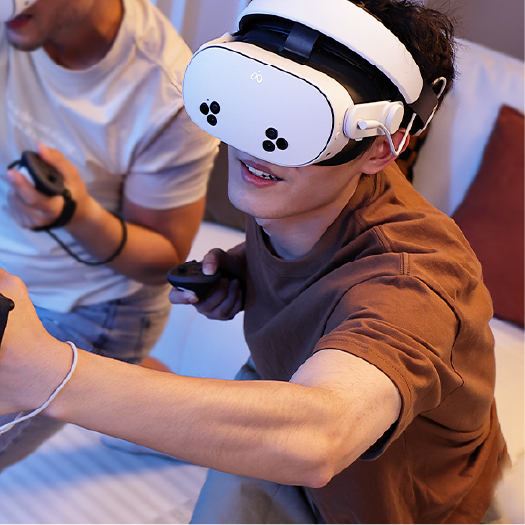

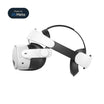

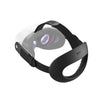
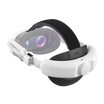
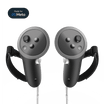

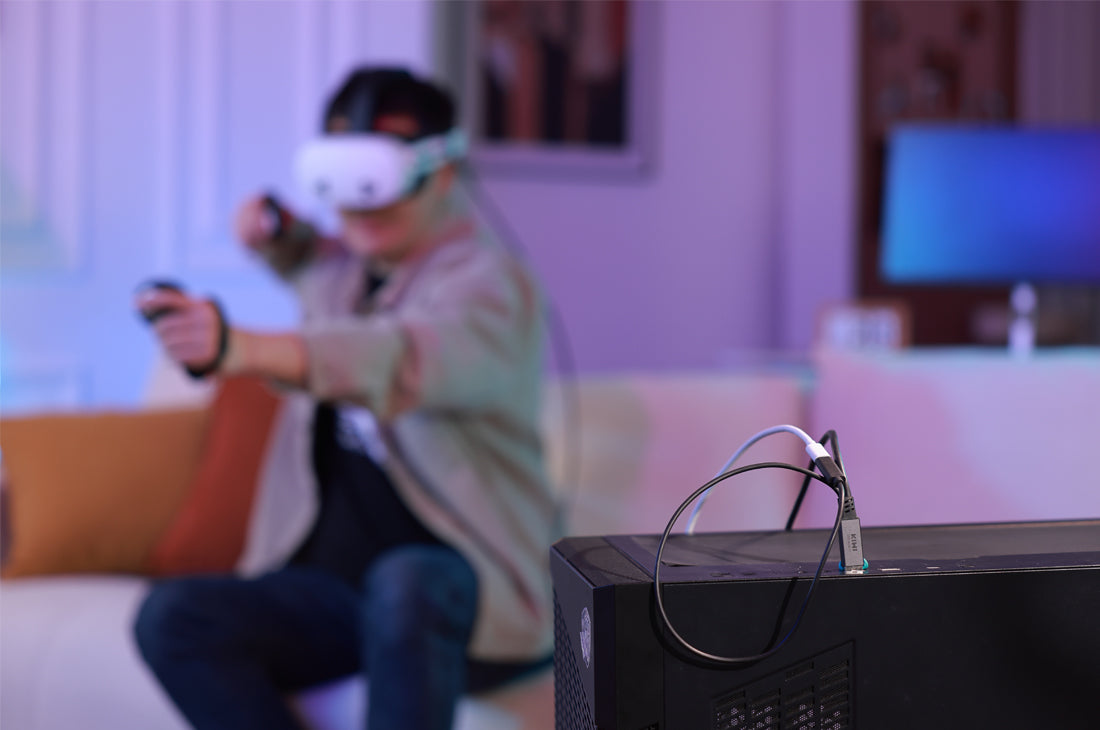
For PCVR enthusiasts, nothing matches the raw visual fidelity of a physical wired connection. Tethering your headset directly to your PC should theoretically deliver a highly optimized, ultra-low latency experience. However, many users quickly encounter a frustrating roadblock: the headset battery systematically drains even while plugged directly into a high-end gaming rig, abruptly cutting VR sessions short after just a few hours.
If you are experiencing mid-game disconnects or watching your battery percentage drop while playing high-end simulations, you aren't alone. This isn't a glitch in your headset; it is a direct result of electrical physics and hardware limitations. Let’s dive into what is actually happening behind the scenes and how modern link engineering is addressing the issue.
---The Motherboard Bottleneck: Supply vs. High-Load Demand
The root of the battery drain dilemma lies in a fundamental mismatch between how much power your PC can supply and how much power your headset actually consumes during intensive gameplay.
Standard USB 3.0 Type-A host ports on most motherboards are built around legacy technical specifications. They are typically designed to output a baseline minimum of 5V at 900mA, which translates to a modest 4.5 Watts of power. While this is perfectly adequate for a mouse, keyboard, or flash drive, it is rarely uniform across all motherboards, and the actual output can fluctuate heavily depending on how many other USB devices you have plugged in.
On the other side of the cable, modern spatial computing hardware demands a lot more fuel. When you scale your settings to a 120Hz refresh rate or turn on resource-heavy features like full-color Mixed Reality (MR) passthrough cameras, the headset's internal processors work overtime, causing energy consumption to spike significantly. Because a standard passive link cable can only pull the limited power available from the motherboard, the headset compensates by drawing from its own internal battery cells, leading to steady depletion.
---The 13-Foot Physical Hurdle: Voltage Drop and Line Resistance
To give you room to move, a standard PCVR setup requires a cable that is at least 13 feet (4 meters) long. However, in the world of electrical engineering, distance is the enemy of power transmission.
As electricity travels down a copper wire, it encounters natural internal resistance. This resistance causes a physical phenomenon known as voltage drop. Many generic consumer cables utilize very thin internal power wires (typically 28 AWG or 30 AWG) to keep production costs low. When you try to push low-voltage current across a 13-foot span through wires that thin, the voltage degrades significantly by the time it reaches the Type-C connector on your headset.
To navigate this physical hurdle, the internal architecture of the KIWI design L1 Plus Charging Link Cable replaces generic components with heavy-duty materials. It isolates the high-frequency 5Gbps data lines and runs them parallel to ultra-thick, heavy-gauge 22 AWG pure tinned copper power cores. By significantly reducing internal line resistance, this heavy-gauge design allows higher current to travel the full distance without suffering from crippling voltage decay.
---Smart Charging vs. The 40°C Thermal Wall
You might wonder: "Why don't active link cables just pump maximum power into the headset all the time to keep it locked at 100%?" The answer comes down to safety and heat management.
High-performance standalone VR headsets feature strict internal firmware protections to prevent the lithium-ion battery from degrading or overheating. If the internal core components of the headset reach a temperature of approximately 40°C (104°F) or higher, the device's operating system automatically steps in with thermal management protocols. It will purposely throttle the incoming charge current to keep the device cool and protect processing performance from thermal lagging.
To work seamlessly with this internal safety loop, the L1 Plus utilizes a dedicated dual-rail injection hub equipped with an active smart control chip. Rather than forcing a static, high-heat charging current, the chip actively communicates with the headset's battery curve, managing power delivery through a balanced, stepped progression:
- In Lower Charge Zones: The chip optimizes current injection to safely accelerate battery recovery.
- In Transition Zones: It dynamically eases off the current to maintain a healthy thermal balance.
- Above the 80% Threshold: The system transitions into a gentle holding curve, maintaining the battery safely between 75% and 80%.
By intentionally anchoring the active charge capacity within that protective 75%–80% window during heavy gameplay, the hub prevents the battery cells from generating excessive heat. This keeps the headset's temperature safely below the critical thermal management threshold, significantly extending your operational runtime while protecting your frame rates from heat-induced stuttering.
---Quick Reference: Choosing Your Connection Architecture
A practical look at how different tethered setups manage your signal and power layer over extended sessions:
Objective Trade-offs: The Reality of Active Hardware
To keep things entirely transparent, upgrading to an active dual-rail hardware link does involve a few physical and practical trade-offs that every user should consider:
- Cable Thickness and Flexibility: Because the cable bundles heavy-duty 22 AWG power cores alongside robust high-speed data pairs, multi-layer aluminum shielding, and protective braids, the wire itself is noticeably thicker and stiffer than a standard, passive phone charging cord.
- Play Space Setup: Because the dual-rail system splits into a Y-junction at the hub, you will need to position your setup within reasonable proximity to both your gaming PC and an active AC wall outlet to plug in your power adapter.
- Plugging in Sequence: For the internal smart chip to accurately read your headset's battery level and start the correct power handshake, you need to follow a simple sequence: plug the cable into your PC and the wall outlet *before* inserting the final 90-degree connector into your VR headset.
Conclusion: The Wired Standard
While wireless streaming networks offer excellent freedom of movement, they are still prone to local Wi-Fi congestion, occasional packet drops, and compression latency. For simulation pilots, competitive players, and virtual reality creators who value flawless visual clarity and absolute frame-time consistency, a high-quality physical wire remains the gold standard.
Ultimately, if you are serious about long, high-load PCVR sessions, a standard passive cable is simply no longer enough. By blending an independent 22 AWG power delivery rail with intelligent, temperature-aware charging logic, the KIWI design L1 Plus Charging Link Cable helps mitigate the inherent power limitations of standard computer ports. It protects your headset's battery, regulates heat, and keeps your 5Gbps data pipeline wide open—allowing you to stay fully immersed for as long as you want to play.


Leave a comment
All comments are moderated before being published.
This site is protected by hCaptcha and the hCaptcha Privacy Policy and Terms of Service apply.