

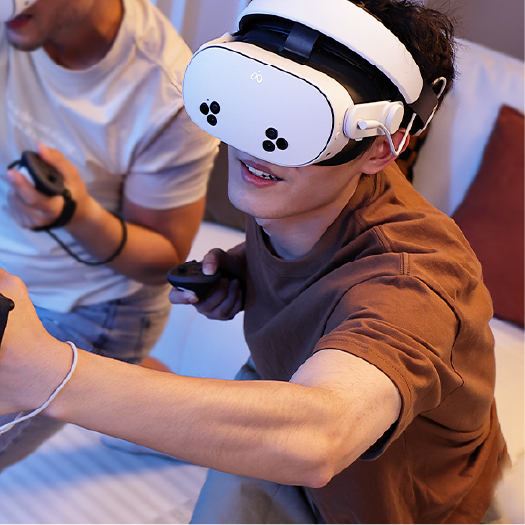


Choose a Meta Quest 3 or Quest 3S head strap by starting with the problem you want to solve, not the product with the longest feature list. Facial pressure, slipping, rear-head interference, balance, heat, battery needs, quick sharing, and packing all point toward different structures. A strap that works well for active standing play may be awkward against a headrest, while a light flexible strap may not provide the rigid adjustment another user wants.
This guide compares the main strap types, shows how play style changes the decision, and provides the K4 Flex specifications for Meta Quest 3 and Quest 3S.
Match common fit problems to the right strap structure
An uncomfortable session does not automatically mean you need a new strap. First identify when and where the problem appears. Adjust one variable at a time so you do not mistake poor setup for a structural limitation.
| What you notice | Check first | A different strap may help when |
|---|---|---|
| Pressure on cheeks or forehead | Loosen the rear, reposition the display, and let the top strap carry more of its height | The current strap still needs high side tension to hold a clear image |
| Headset slides during turns | Check rear-support position and whether hair is under the contact area | The current structure cannot stay in place at reasonable tension |
| A hard point hits a pillow or chair | Change the headrest or pillow position | Rear hardware remains directly between your head and the support surface |
| Front-heavy feeling | Recheck top-strap length and display angle | You prefer more structured rear support or a counterbalancing setup |
| Heat or sweat | Take breaks and allow damp padding to dry fully before storage | You need a material or facial-interface change, not necessarily a new strap |
| Sessions end because of battery | Review session length and charging habits | Integrated or removable power is worth the added weight and complexity |
| Sharing takes too long | Mark repeatable settings and practice the adjustment sequence | A quicker adjustment mechanism would materially improve handoffs |
| The headset is hard to pack | Remove unnecessary accessories and check case layout | Rigid rear geometry is the reason the headset will not fit your travel setup |
Meta's own fit guidance begins with loosened straps. Place the headset in a comfortable position, tighten the rear, and then adjust the top strap to take weight off your face. That sequence is a useful baseline for both the stock strap and replacements.
Compare the main Quest head-strap structures
Head-strap labels describe construction. Products in the same category can use different materials, hinges, padding, and adjustment systems, so the structure and specifications of the actual product determine how it fits each use case.
| Strap type | Main characteristic | Common reason to choose it | Important tradeoff to check |
|---|---|---|---|
| Stock fabric strap | Light, low-bulk textile support | Minimum weight, no extra purchase, compact storage | Fit can take practice and may shift for some head shapes or activities |
| Flexible or soft replacement | Flexible rear support with low rigid bulk | Portability, quick on/off use, reclining, softer rear contact | Less rigid structure; adjustment method may be less precise than a dial for some users |
| Elite-style strap | Rigid side structure with rear cradle, often dial-adjusted | Secure-feeling fit and convenient size changes | Rear dial or shell adds bulk and can meet a pillow or headrest |
| Halo-style strap | Forehead/crown-oriented support frame | Users who prefer less reliance on facial-interface tension | Larger frame, different movement feel, and possible case or headrest interference |
| Battery head strap | Strap with integrated or attached power | Longer power workflow and, in some designs, changed front-to-back balance | Added mass, charging requirements, price, and rear bulk |
There is no universally most comfortable category. Comfort depends on head shape, facial interface, glasses, hair, adjustment, session length, movement, and the surface behind your head.
Match the strap to the way you use Quest
Fitness and high-movement games
Prioritize controlled movement at reasonable tension. A structured elite-style or well-fitted battery strap may appeal if you prefer a rigid rear cradle. Actual stability depends on the strap structure, adjustment and fit on the wearer. The display should stay clear during quick head turns without excessive tension.
Do not tighten a slipping headset until it hurts. Reposition the rear support and top strap first. If the display still moves, the strap shape may not match your head or facial interface.
Seated games and simulators
Check the chair before choosing. A racing seat, office headrest, and open-back chair contact different parts of the strap. Rear hardware that never touches a normal chair may be obvious in a tall simulator seat. If you move between upright and reclined positions, test both.
Video, social VR, and reclining
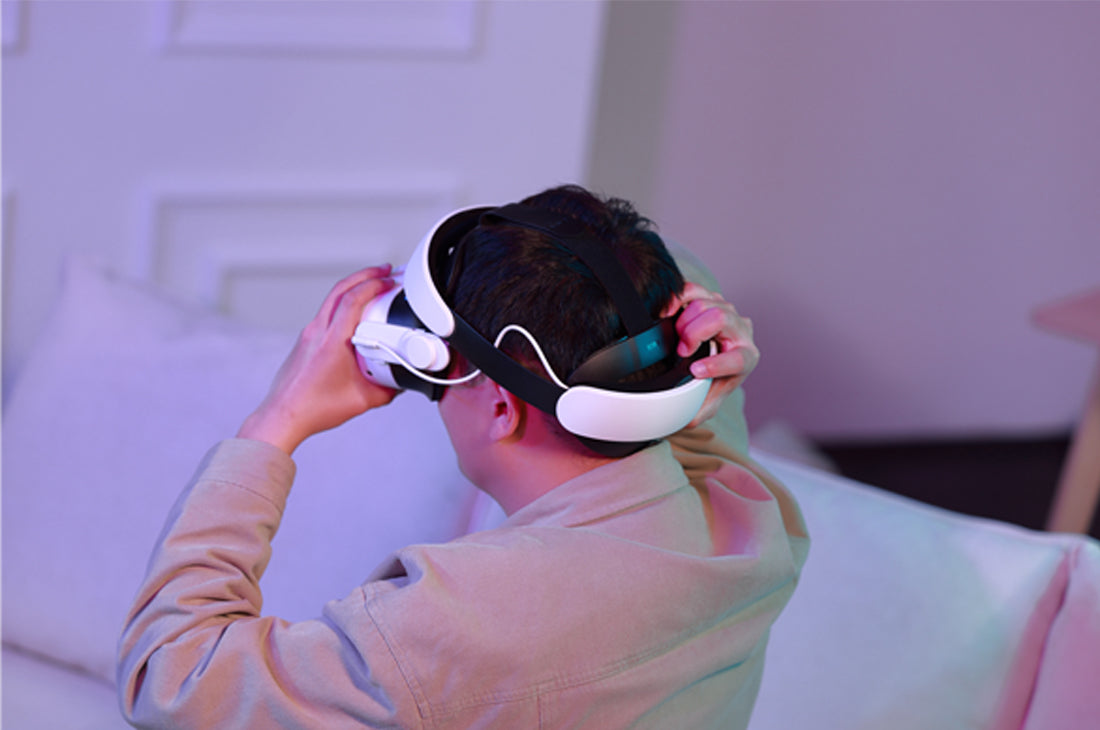
Low rear bulk becomes more important when your head rests against something. A flexible flat-back design may fit this scenario better than a protruding dial, while users who remain upright may value the dial more. For setup steps and pillow considerations, read the separate reclining fit guide for Quest 3/3S.
Shared household use
Look for repeatable adjustment rather than a vague "universal fit." A dial can be convenient for frequent size changes; elastic or strap adjustments may be quicker for another household. Consider how easily each user can find a clear display without copying someone else's tension setting.
For glasses, adjustment range is only part of the question. Frame width, eye relief, facial interface, and headset angle all matter. Because glasses vary in width and shape, check that the frames do not press against your temples or touch the headset lenses.
Travel and storage
Flexible and fabric straps generally deserve attention when packing volume is the problem. Rigid, halo, and battery structures may need a larger case. Check the complete packed setup rather than relying on "travel-friendly" language: controllers, charger, cable, lens protection, and the headset all compete for space.
Long sessions and power
A battery strap can extend the power workflow, but battery capacity is not the same as comfort. Added mass, rear shape, charging time, and cable routing still need to suit you. If you already take regular breaks or prefer a separate power bank, an integrated battery may not be necessary.
Run a five-minute fit test
Use this sequence with your current strap first. Repeat the same test with a replacement so the comparison is consistent.
- Start loose. Loosen the rear and top adjustments before placing the display.
- Find visual clarity. Hold the headset where the image is clear and the facial interface sits evenly.
- Set the rear support. Place it where it can resist movement without being dragged downward.
- Adjust the top strap. Use it to maintain headset height and reduce the need for side tension.
- Use minimum effective tension. Tighten only until normal head turns do not shift the clear image.
- Move the way you actually play. Turn, look up and down, sit, and lean against your usual chair. Do not substitute vigorous movement for a controlled fit check.
- Check contact points. Notice pressure at the forehead, cheeks, temples, crown, and back of the head.
- Remove and refit once. A good setup should be repeatable, especially if the headset is shared.
Quest 3 users can also adjust headset angle, lens spacing, and eye relief using Meta's documented controls. Quest 3S hardware differs, so follow the instructions for your exact headset instead of assuming every Quest 3 adjustment applies.
Understand what each component changes
Rear shape affects where the strap meets your head and whether it clears a chair or pillow. A larger contact area can spread contact, but it can also feel warmer or conflict with a hairstyle.
Top strap helps support display height. If it is too loose, users often compensate by tightening around the face. If it is too tight, the rear support may ride upward.
Padding changes surface feel and cleanability, but thick padding does not guarantee good pressure distribution. The underlying shape and adjustment still matter.
Adjustment system determines how quickly and precisely you can repeat a fit. Dials, hook-and-loop straps, and elastic systems make different compromises between precision, rear bulk, and speed.
Battery placement changes both mass and balance. Compare battery straps by complete weight, rear profile, charging workflow and capacity rather than capacity alone.
When K4 Flex is a relevant option
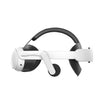
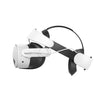
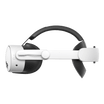
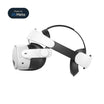
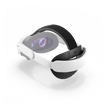
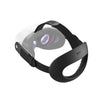
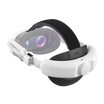
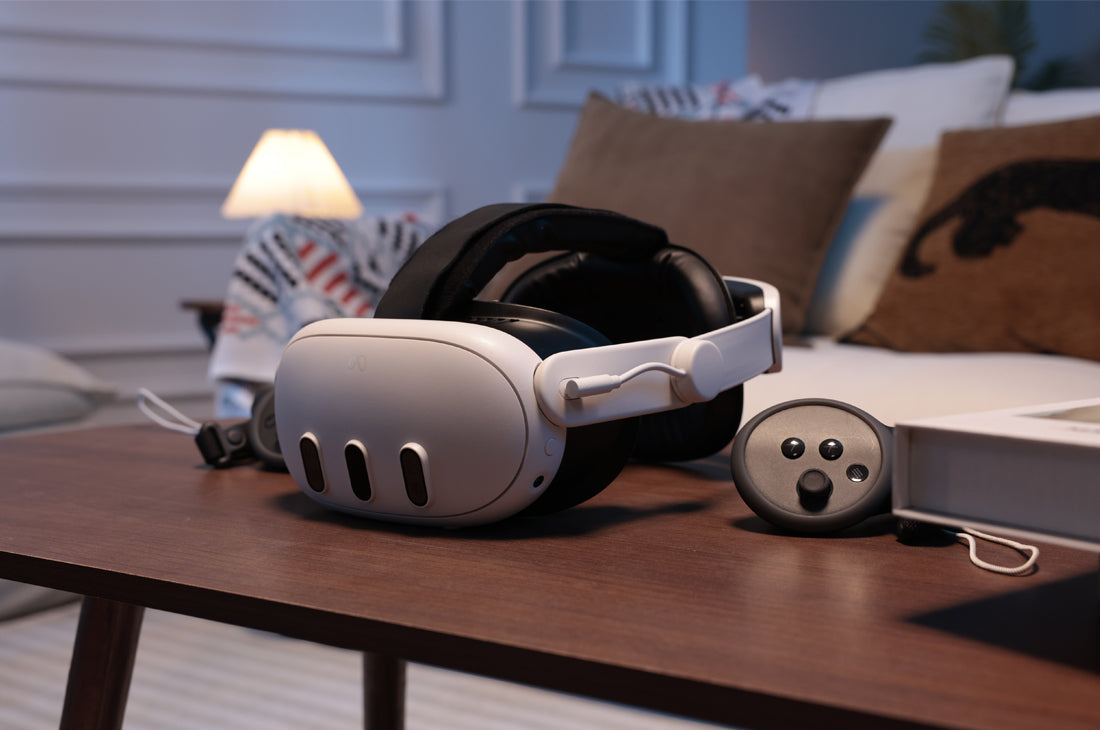
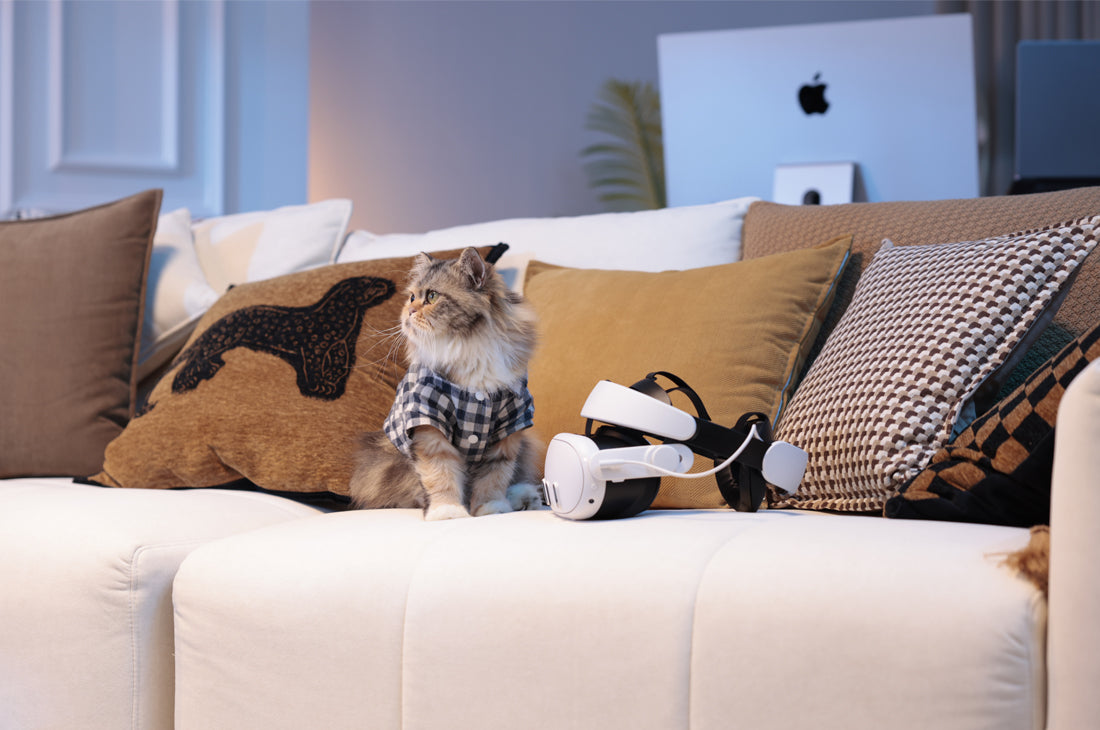
K4 Flex is a flexible flat-back head strap made for Meta Quest 3 and Quest 3S. It uses adaptive rear support with soft foam padding, elastic adjustment, a rear shape intended for reclining, space for glasses, and a structure that folds for storage or travel.
Those features make it relevant for seated media, social VR, reclining, and users who prioritize low rear bulk. It may also suit someone who wants a replacement strap without an integrated battery.
Choose another type if you want a rigid rear dial, halo-style forehead support, or integrated battery power. K4 Flex is designed for a specific set of priorities rather than every head shape and activity.
K4 Flex specifications at a glance
| Product data | K4 Flex specification |
|---|---|
| Compatible headsets | Meta Quest 3 and Quest 3S |
| Rear structure | Adaptive flexible rear support with soft foam padding |
| Rear profile | Flat rear shape designed for reclining against a couch, bed or high-backed chair |
| Adjustment | Elastic adjustment |
| Glasses | Designed to help make room for glasses |
| Storage | Foldable for storage or travel |
| Integrated battery | No |
K4 Flex is the direct option when low rear bulk, flexible support and foldable storage matter more than a rigid rear dial, halo frame or integrated battery. See the K4 Flex Comfort Head Strap, or compare other supported structures in the Quest 3/3S head strap collection.

コメントを書く
全てのコメントは、掲載前にモデレートされます
このサイトはhCaptchaによって保護されており、hCaptchaプライバシーポリシーおよび利用規約が適用されます。